
The beta is closed and WoW Forever is live. Blizzard confirmed the beta closure on October 23 after extending testing beyond the originally announced last full day. The information below describes the beta and is kept for historical reference; the level 30 cap was a beta milestone, not the live-game cap. For the live client, see our download guide.
WoW Forever beta access: who can play?
Blizzard lists two routes: opt in for a chance to be selected, or use an eligible purchase that includes beta access. Its current upgrade announcement names the Skyborne Epic Pack and Warcraft Forever Collection for beta access. A subscription that will include the game at launch does not, by itself, promise beta access.
Before buying anything, read the live Battle.net offer and its regional terms. Pack contents and purchase terms belong to Blizzard; this guide does not sell access or guarantee an invitation.
Beta opt-in and sign-up
To sign up, open the official World of Warcraft: Forever page and use Beta Opt-In. Sign in to the Battle.net account you want to play on. Blizzard selects players from opt-ins and sends invitations throughout testing; registering does not promise a place or an immediate download entitlement.
If you are deciding between opt-in and a paid access bundle, compare the edition benefits before buying. Launch access and beta eligibility are separate.
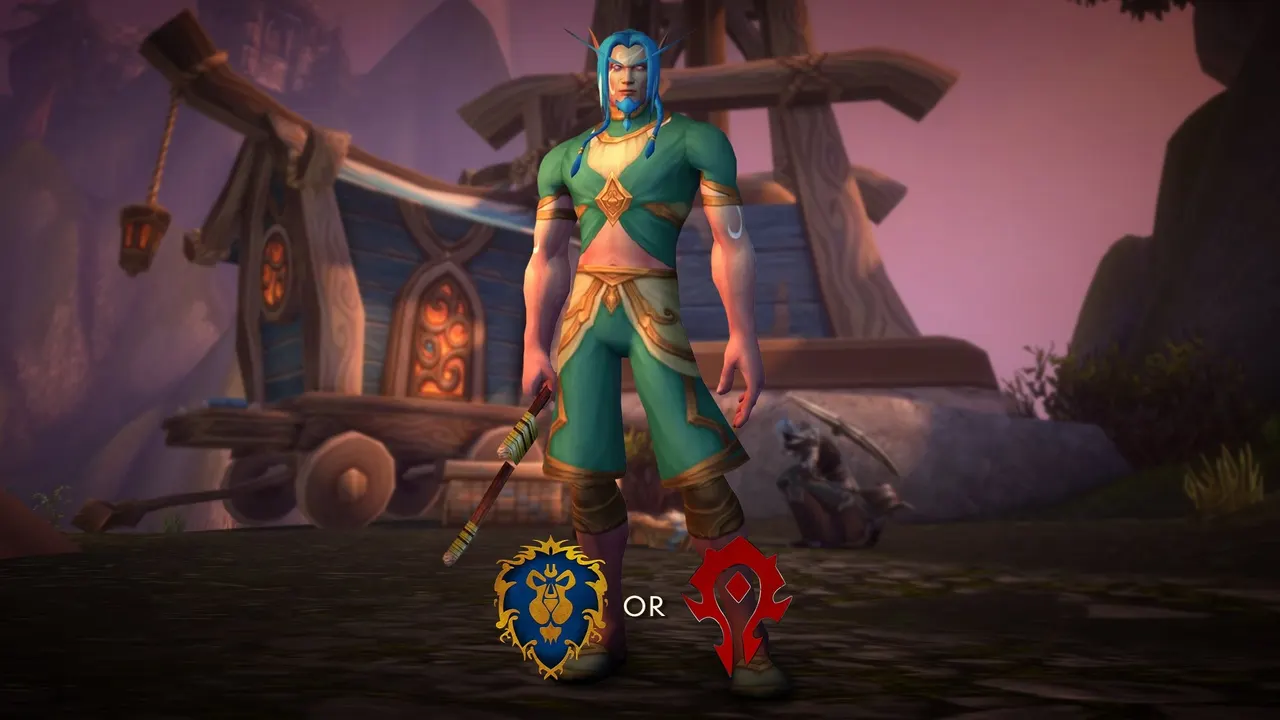
How to download and play the WoW Forever beta
- Sign in to the Battle.net account you intend to use.
- If you have not purchased an eligible beta bundle, use Blizzard’s official beta page to opt in. Opt-in means a chance to be selected, not a guaranteed invite.
- In Battle.net, select World of Warcraft, then open Game Version above the Play button. Choose World of Warcraft: Forever Beta under In Development.
- Choose Install, allow the download and updates to finish, then select Play, a test realm, and create a character.
An eligible purchase can take up to 30 minutes to enable beta access. Restart the launcher after that wait. Verify the beta license under your Battle.net game accounts rather than trusting an invitation link.
If the beta option is missing, recheck the signed-in account and eligibility first. Avoid third-party “beta keys” and access sellers.
For launcher downloads, hardware checks and the distinction between beta installation and the launch client, use the WoW Forever download guide.
Once you can log in, use the first-session checklist to prepare your controls, starting quests and abilities before joining a group.
What does level 30 mean?
The October 1 notes set the current character cap at 30. For dungeon ranges, talent planning and activities to try at the limit, read the WoW Forever beta level cap guide. The beta limit does not establish the final launch progression.
When does testing end?
Blizzard originally named October 21 as the last full day, then announced a final celebration ending October 23 at 10:00 a.m. Pacific Daylight Time and confirmed the beta had closed. The beta end date is separate from a temporary maintenance outage and from the full release. See the release date and name reservation guide for the next dates to prepare for.
Will beta progress carry over?
If you are looking for a WoW Forever beta wipe announcement, the sources cited here do not establish a confirmed character-transfer policy, a wipe schedule or which progress would be retained. We cannot promise that characters, levels or equipment carry into launch; that requires an explicit official announcement.
A realm restart or maintenance notice is not, by itself, evidence of a character wipe. Keep those questions separate and check the official beta forums for a dated announcement before planning around retained progress.
Where are the official WoW Forever beta forums?
Use Blizzard’s WoW Forever Beta Discussion category for development notes, maintenance announcements and player discussions. Read pinned instructions before posting feedback; distinguish a Blizzard staff announcement from a player’s report.
For a reproducible issue, include the game version, character level, what you were doing and the steps to reproduce it. For account or access problems, use Blizzard support rather than posting account details publicly. If you cannot connect, start with our beta server status and login checks.
When did the beta start, and how long does it last?
The beta opened September 17, 2026; Blizzard originally announced October 21 as its last full day, then extended testing until October 23. That describes the testing calendar, not the length of an individual player’s invitation. The cited announcement does not establish an exact beta start hour to convert between regions. The November 4 launch time is a separate, confirmed global instant.
Do I need a beta code or beta key?
For selected opt-ins, Blizzard flags the account for access. Eligible bundle purchases also enable account access. Check the beta license in your Battle.net account before looking for a key to redeem. Invite-A-Friend Launch Codes do not include beta access; they are a separate launch-week benefit. This site does not distribute beta keys or sell access.
Follow the evidence
Official sources
- Thank You For Testing the WoW Forever Beta
- The WoW Forever Beta Celebration is Underway
- The World of Warcraft: Forever Beta Now Live
- Pre-Purchase World of Warcraft: Forever Upgrades and Begin Your Next Journey
- WoW Forever Beta Development Notes — Updated October 1
Facts are checked against these sources. Advice is our editorial interpretation; this page is not a live feed.